
A photography website template that feels like a love note
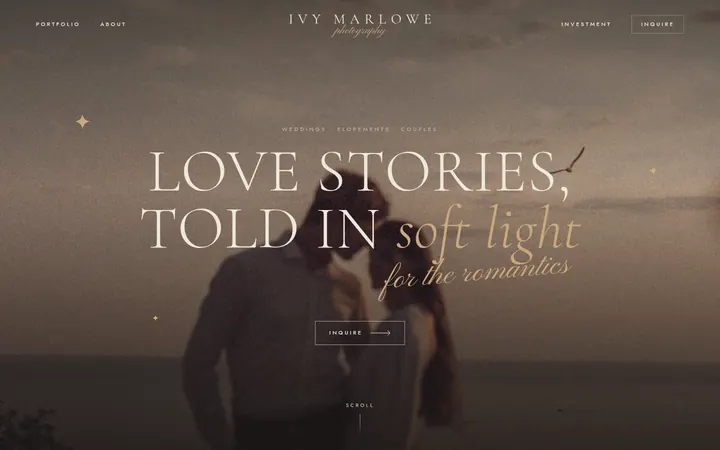
Editorial, moody and a little whimsical, with big serif headlines, layered photo collages and a page for every love story. Pick a dark or light look, add your galleries, and let couples inquire in a form that feels personal.
- $20 a month
- Wedding, elopement and portrait photographers
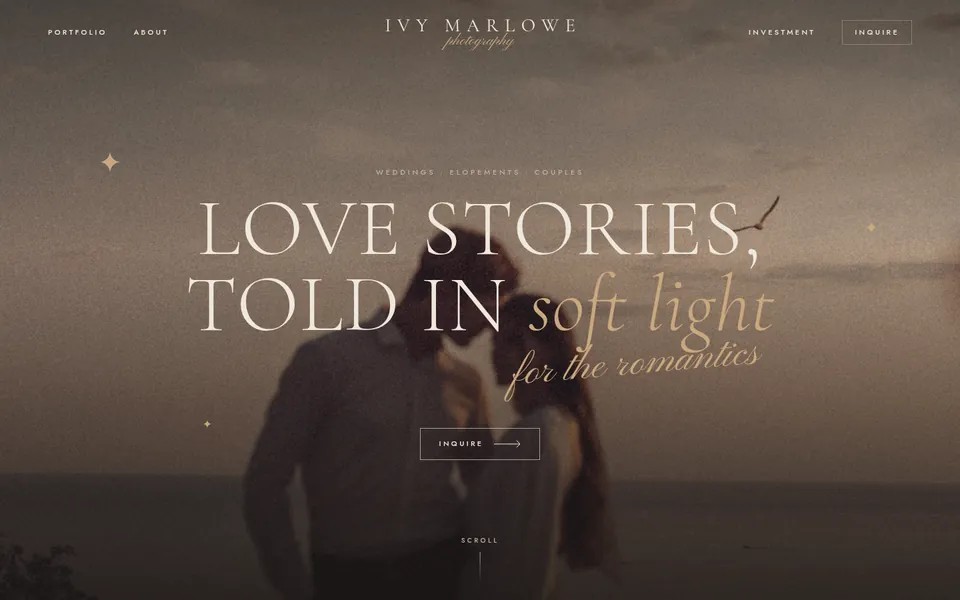
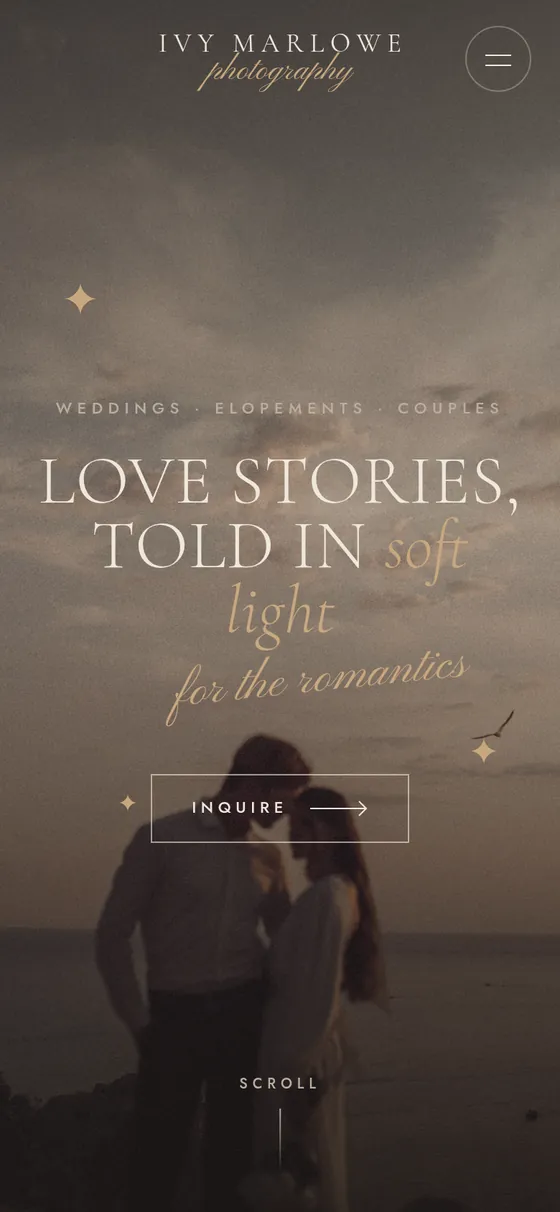
Pick a design
Every word, color and photo can be changed after.
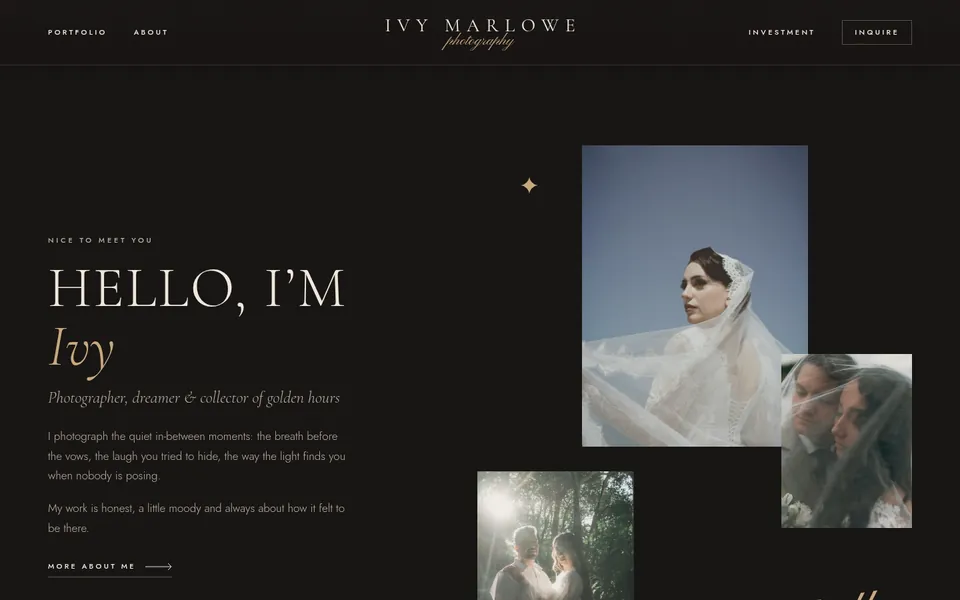
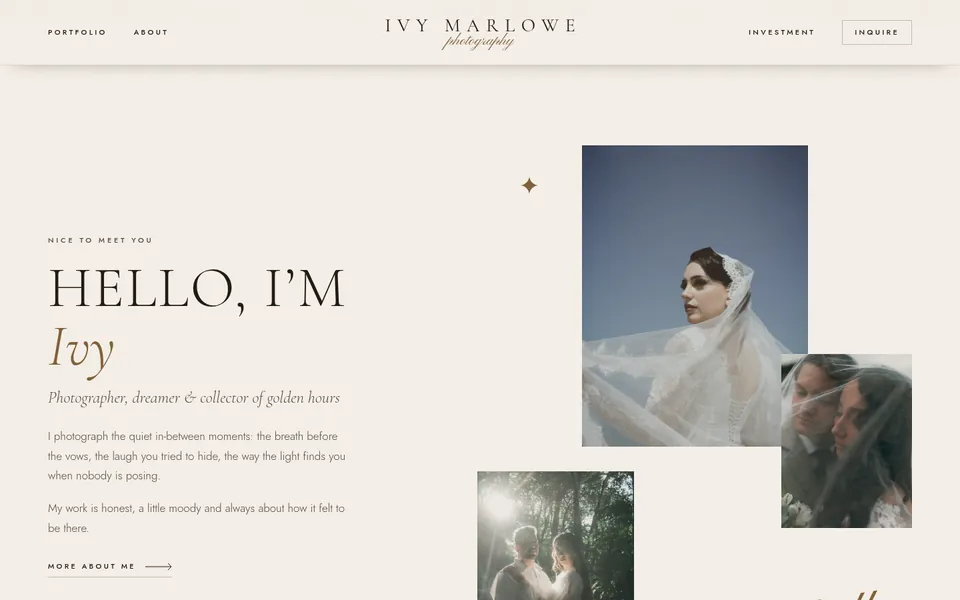
What’s inside
Made for wedding, elopement and portrait photographers.
A page for every story
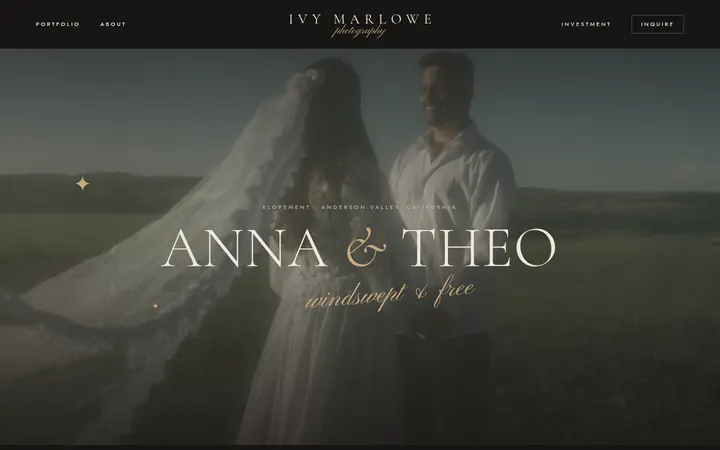
Each wedding or session gets its own page, with as many photos as you like, a few words and the details.
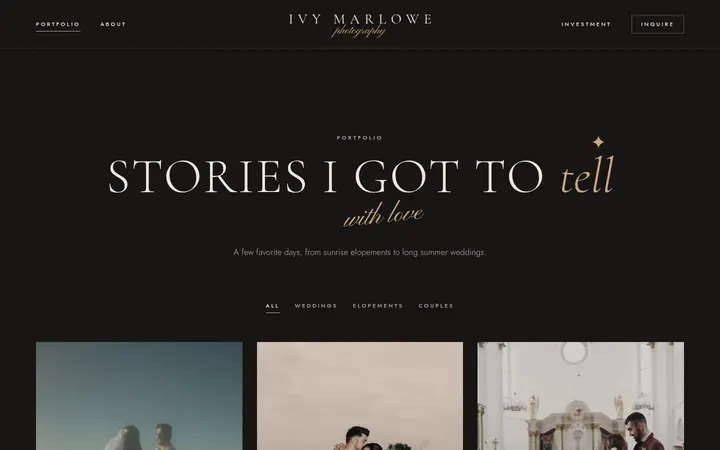
A portfolio visitors can filter
Sort stories into weddings, elopements, couples or categories of your own.
Easy photo uploads
Drop in a whole gallery at once, drag photos into order, pick the cover and set the focus point so faces never get cropped.
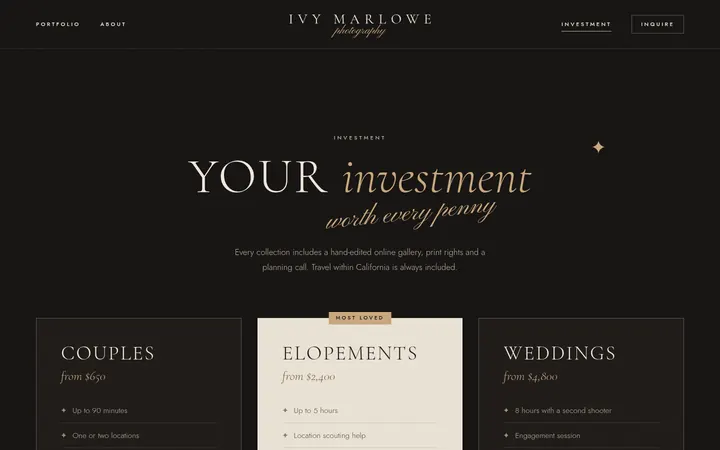
An investment page
Your collections, what each one includes and the questions couples always ask.
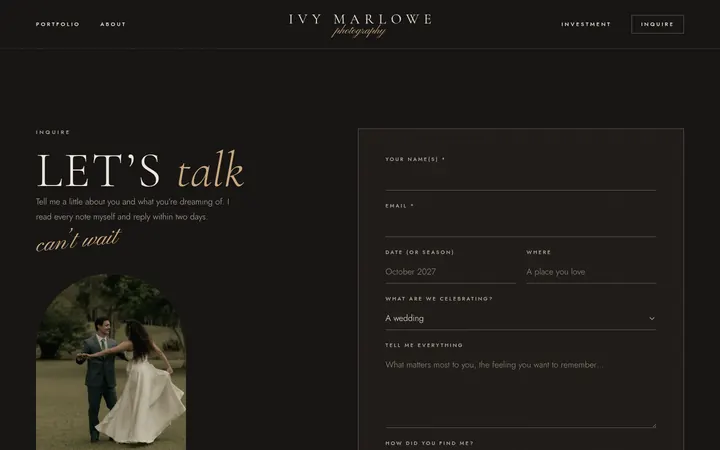
An inquiry form that feels personal
Couples share their date, the place and how they found you. Every inquiry lands in your email and your squareposh account.
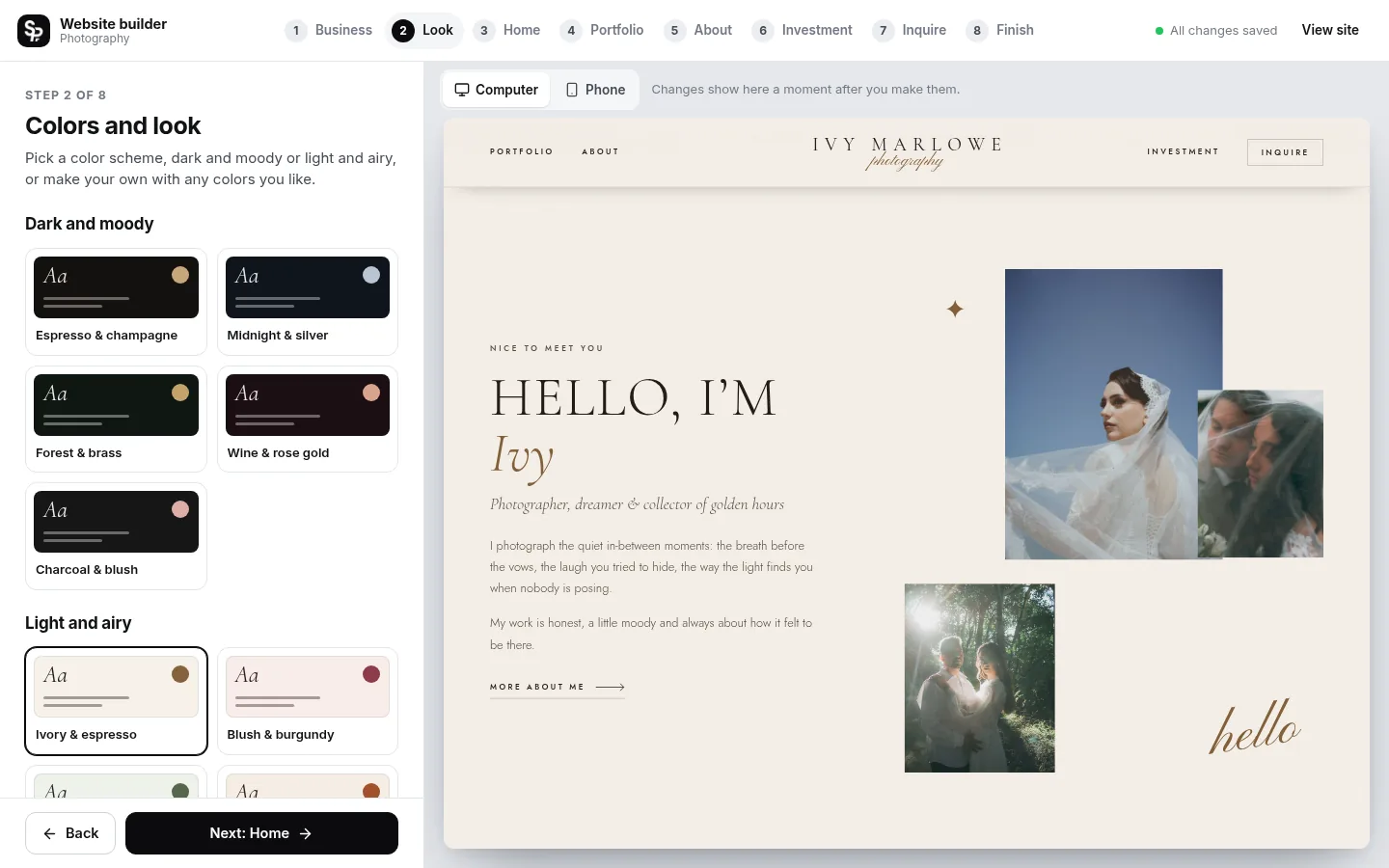
Dark, light or your own colors
Five dark and six light color schemes, or any three colors you like. We keep every word easy to read.
Kind words, press and Google
Quotes from couples, the places you have been featured, and buttons to your Google reviews.
Editorial details
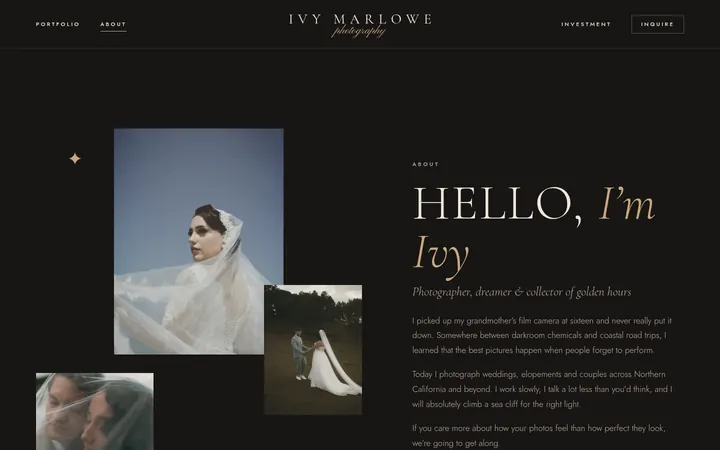
Serif capitals, script accents, a ribbon of words and photo collages that make your work the star.
6 pages, ready for your words
Make it yours in the builder
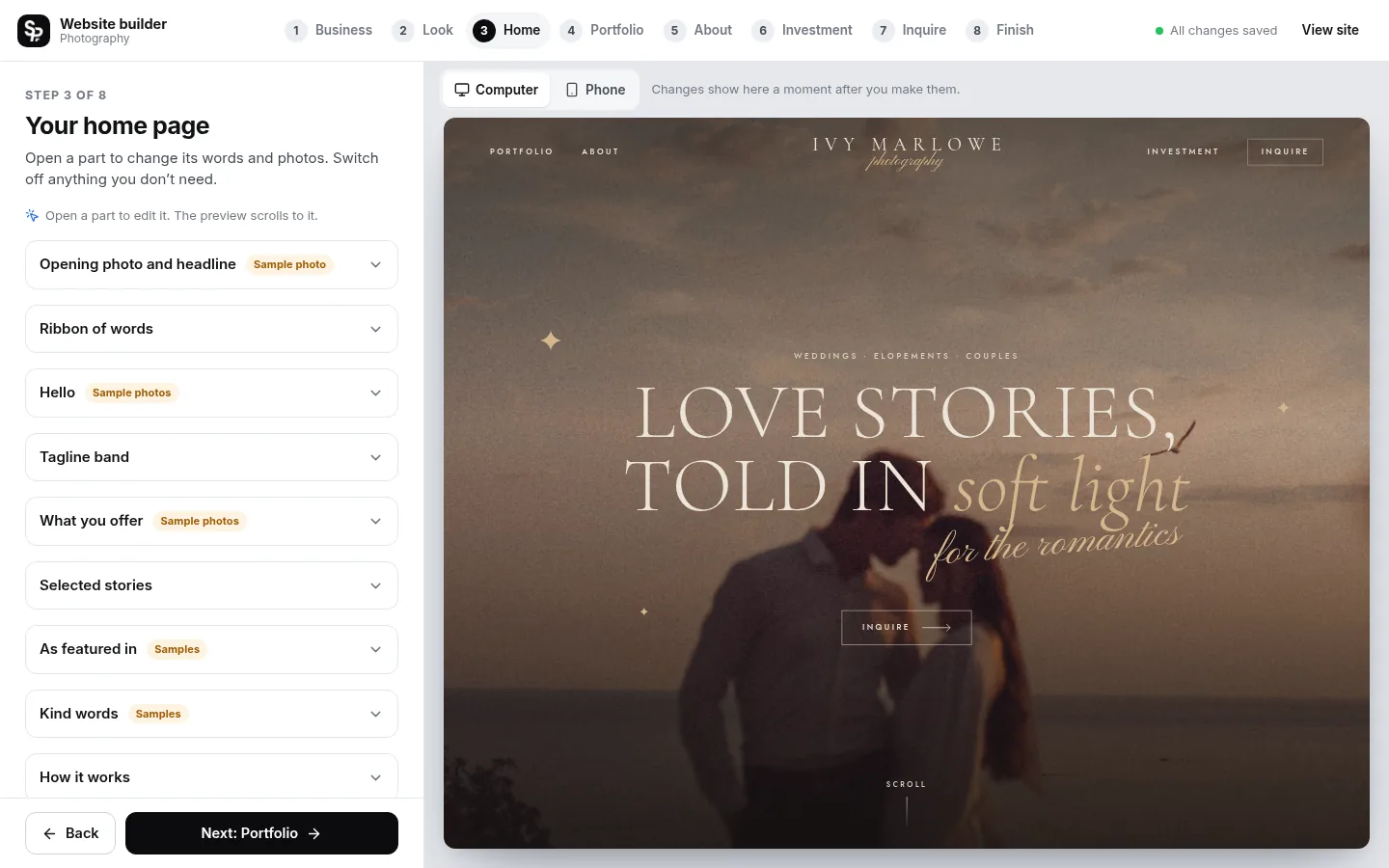
No code and no design skills. Simple steps, and your site changes in the preview as you go.
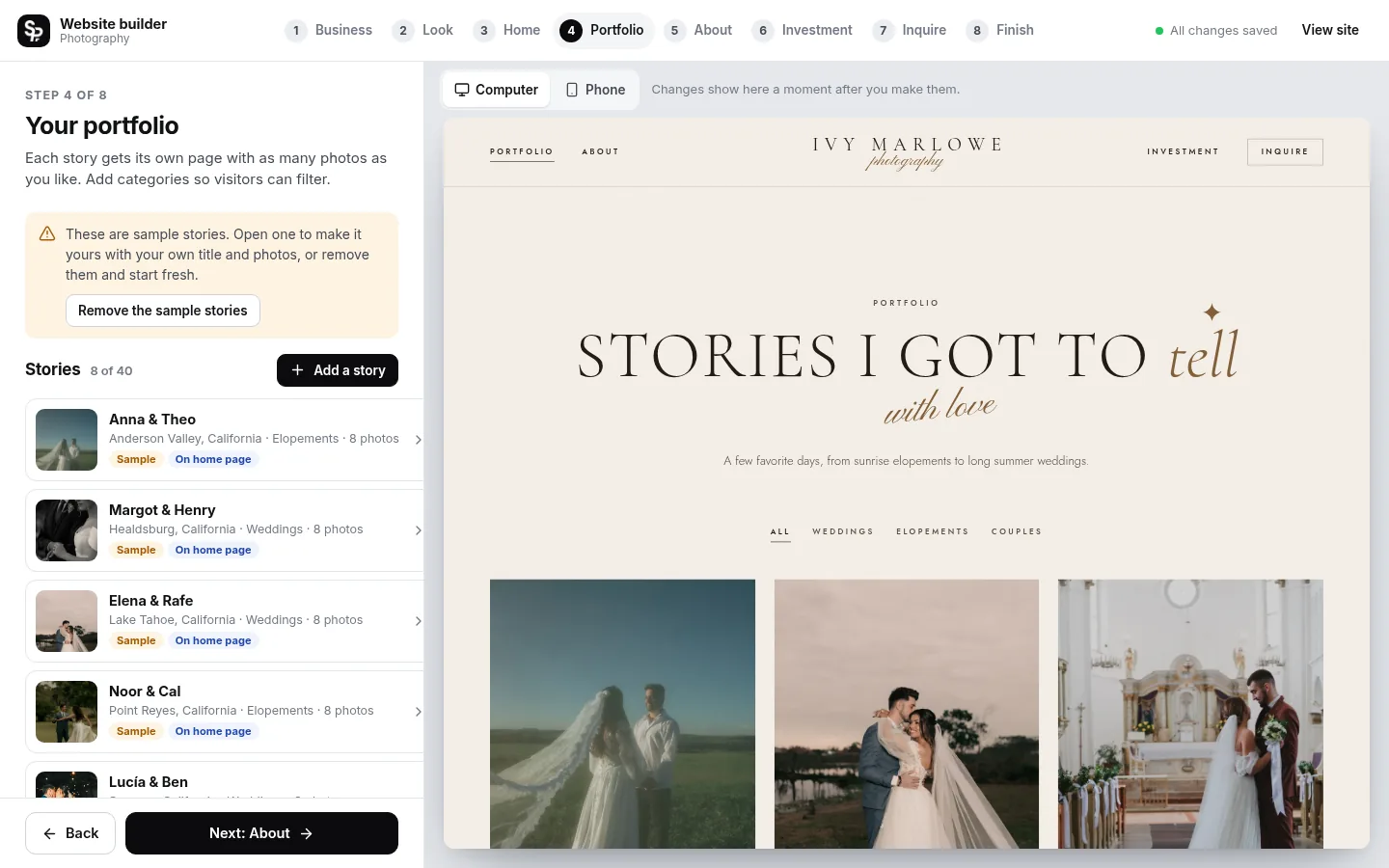
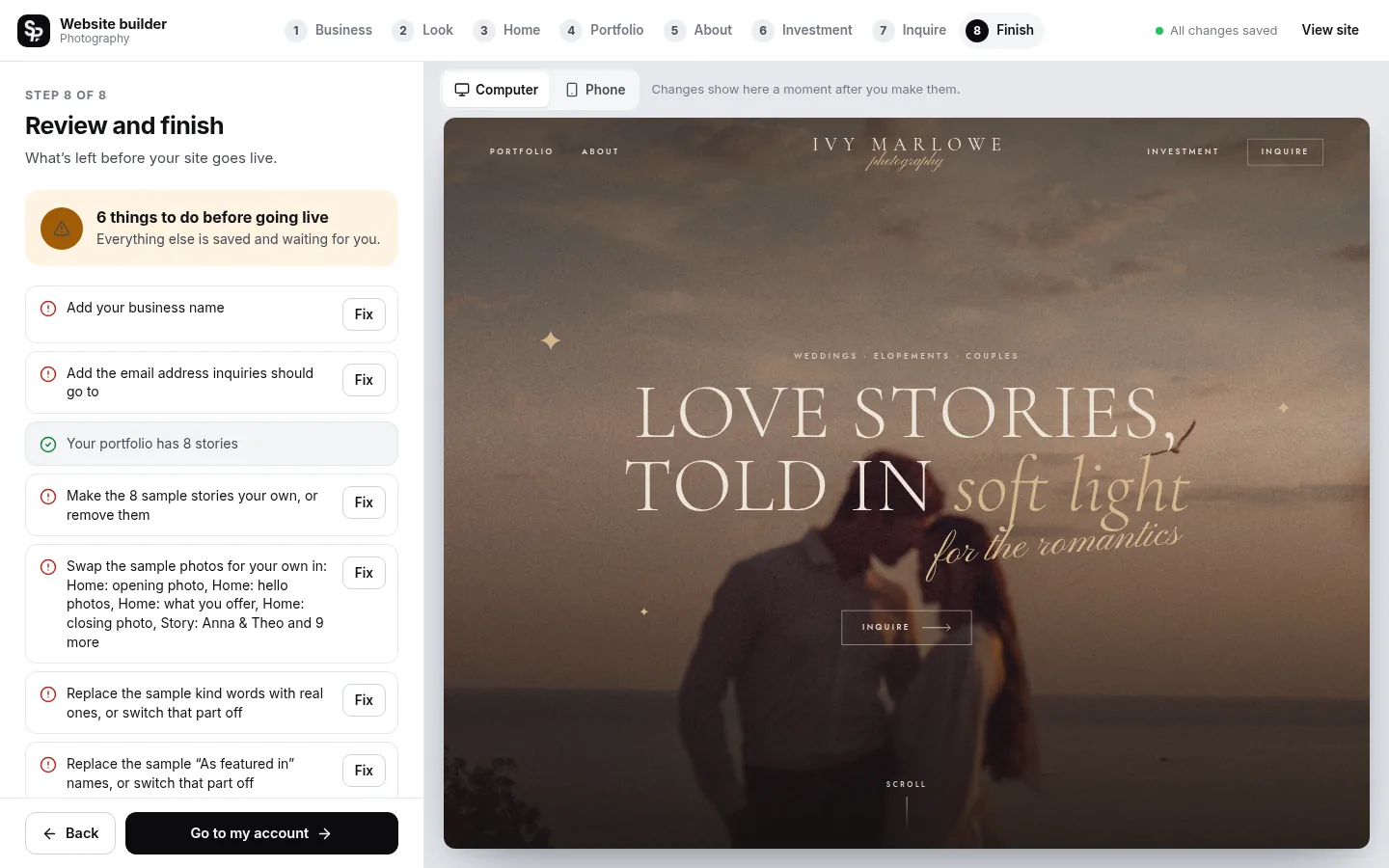
- Saves as you go: Every change is saved for you.
- See it as you go: Watch your site change as you type, on a computer or phone screen.
- No fake content goes live: Sample words and photos are marked until you replace them.
- Change it any time: Edit and publish again whenever you like.
One simple price
Hosting, security and updates included.
-
Monthly
$20 a month
Cancel any time
Start monthly with the Photography template -
Yearly Best value
$200 a year
2 months free
Start yearly with the Photography template
Included with every plan
- Hosting on fast, secure servers
- SSL, the padlock in the address bar
- Your own domain: buy one or connect yours
- Inquiries emailed to you and saved in your account
- Made for phones, tablets and computers
- Search basics: page titles, descriptions and a sitemap
- Accessible design, tested against WCAG 2.2 AA
- Google review buttons from one link
- No plugins or updates to manage
- Cancel any time
Buy it and realize you need a custom option? Reach out! We can add custom pages, features or a design made just for you.
Good questions
Something else? Ask us anything.
How many photos can I add?
Up to 40 stories, 150 photos in each story and 2,500 photos in all. Upload straight from your computer or phone; we make web-sized copies so your pages stay fast.
Can I have a light website instead of a dark one?
Yes. There are five dark and six light color schemes, and you can also enter your own three colors. Switch whenever you like.
Do I need to know how to design or code?
No. You fill in the builder step by step and watch your site change as you go. Every word, photo and color can be changed, and nothing needs code.
How much does it cost?
$20 a month, or $200 a year (two months free). That includes hosting, SSL, updates and your inquiry inbox. A new domain is extra if you buy one through us.
Do I pay before I start building?
Yes. You choose your plan first, and the builder opens right after checkout. Your site only goes live when you publish it, and you can cancel any time.
Can I use a domain I already own?
Yes. Connect it from your account by adding two records where your domain is registered; we check them and turn on SSL for you. Or buy a new domain right from your account.
Where do messages from my site go?
Every inquiry is emailed to you and saved in the Messages tab of your squareposh account, so nothing gets lost.