
A handyman website template that prices the list
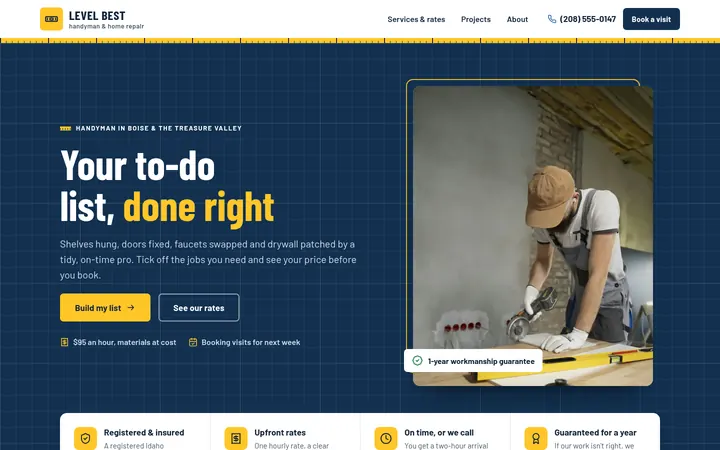
Sturdy, clear and built to book. Clients tick the jobs they need, see how long the visit should take and what it costs, then send the list with their details. Plus your hourly, half-day and full-day rates, an honest “what we do and don’t” list, a projects gallery with filters, a “do we work in your area?” ZIP checker and a page for every service. Comes in blueprint, workshop or brick.
- Handymen, home repair and property maintenance businesses
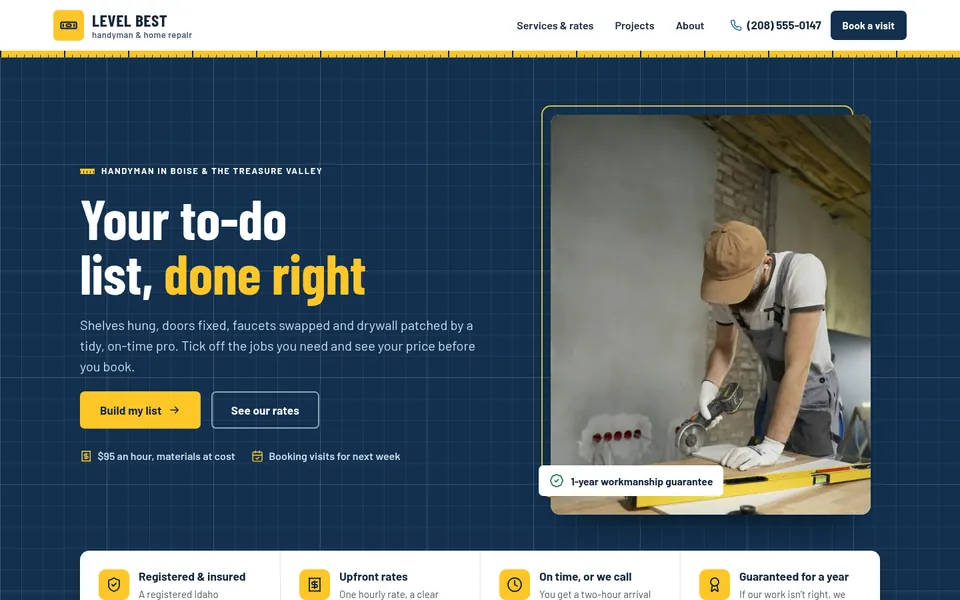
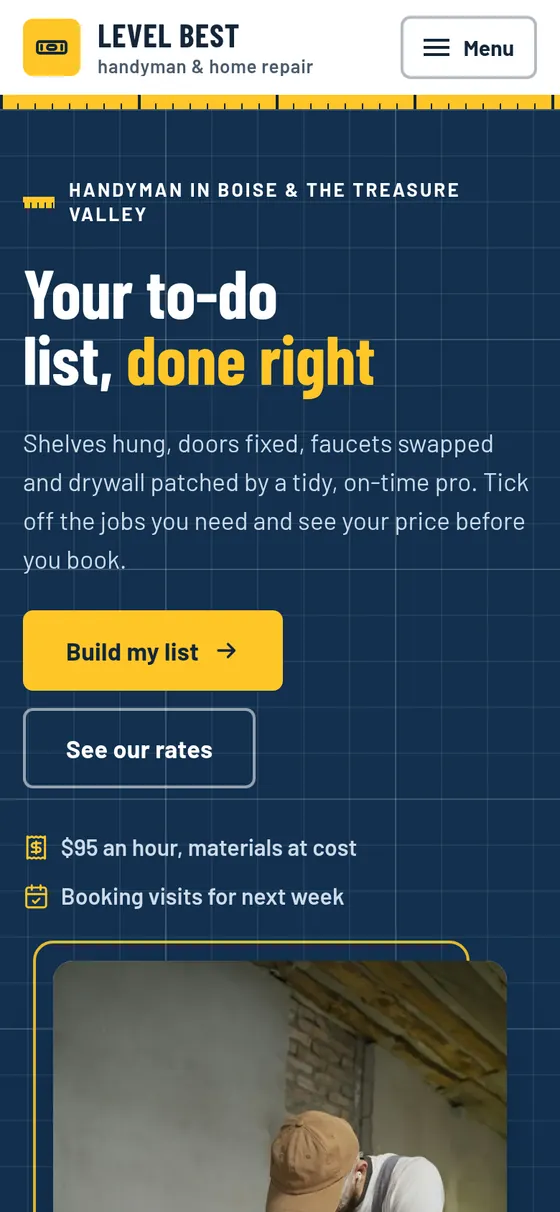
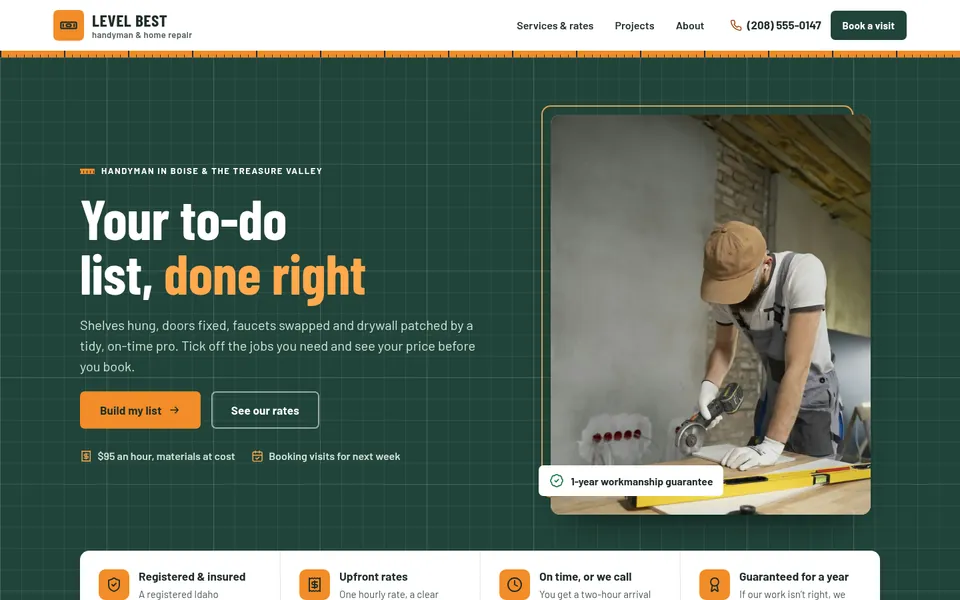
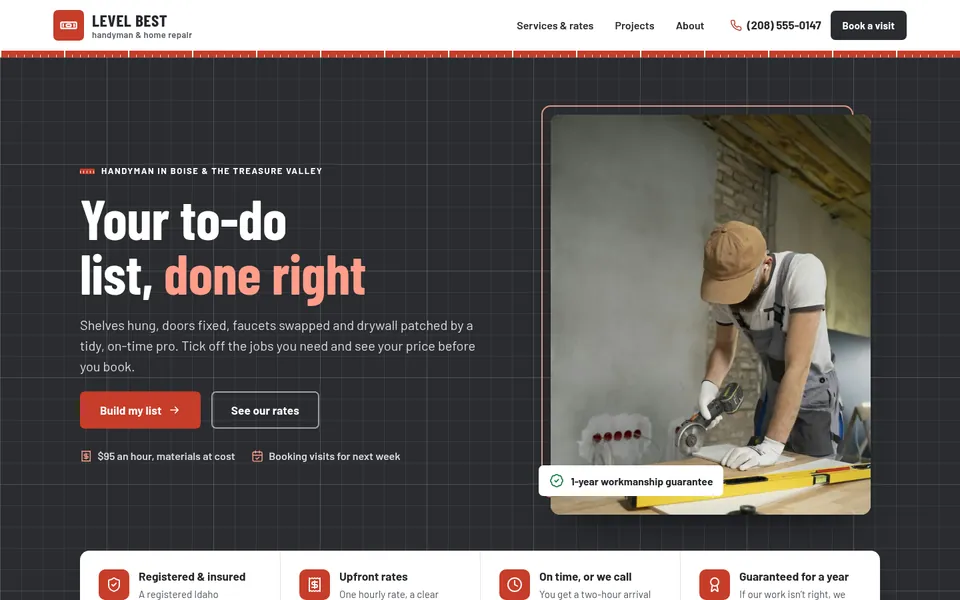
Pick a design
Every word, color and photo can be changed after.
What’s inside
Made for handymen, home repair and property maintenance businesses.
A to-do list builder
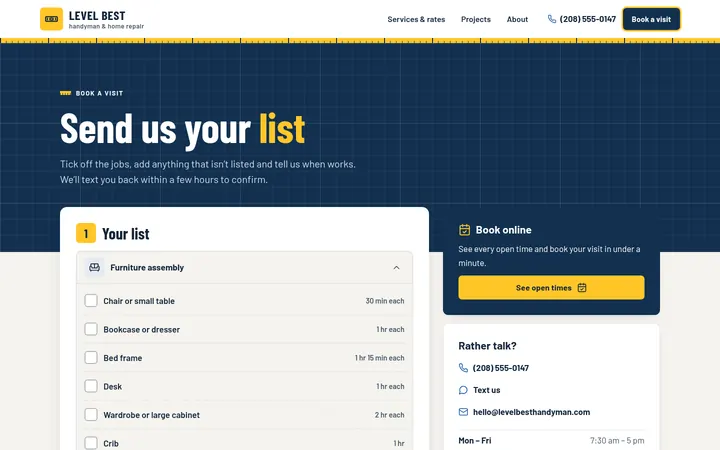
Clients tick jobs like “mount a TV” or “replace a faucet”. The work order beside the list adds up the time and shows the price of the visit, and it carries into the request form.
Rates done the fair way
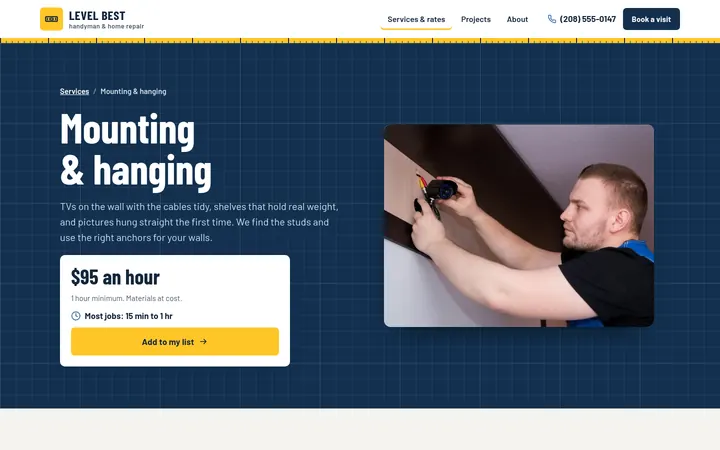
An hourly rate with a minimum, rounded up to the half hour, plus half-day and full-day prices that take over when they are cheaper for the client. Add a call-out fee if you charge one.
Jobs and times you set
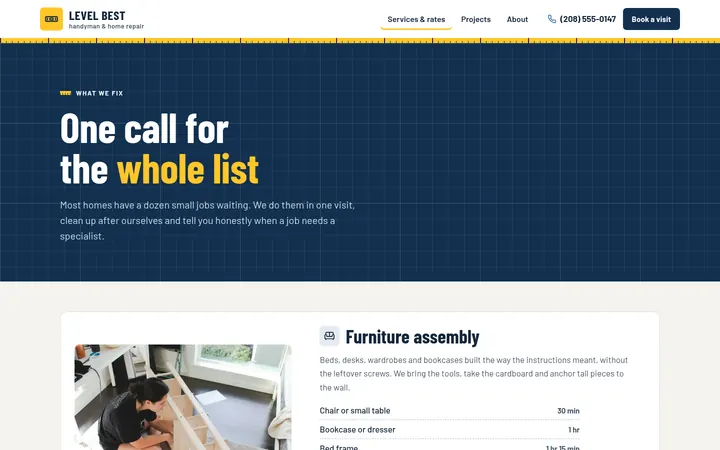
Each service lists its common jobs with how long each usually takes you. Jobs counted one by one, like doors or pictures, get a “how many” stepper.
What you do, and what you don’t
Two honest lists side by side: the jobs you take, and the ones that need a licensed trade.
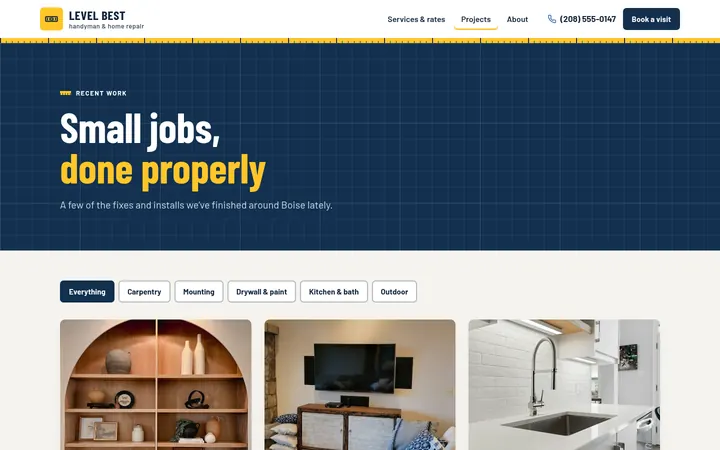
A projects gallery
Photos of your finished jobs, with filter buttons you name yourself.
“Do we work in your area?”
A ZIP code checker answers from your list, next to the towns you cover.
A page for every service
Furniture assembly, mounting, drywall, doors, small plumbing, light fixtures and outdoor jobs, each with its job times, what’s included and questions. Bigger projects ask for a free quote.
Policies in plain words
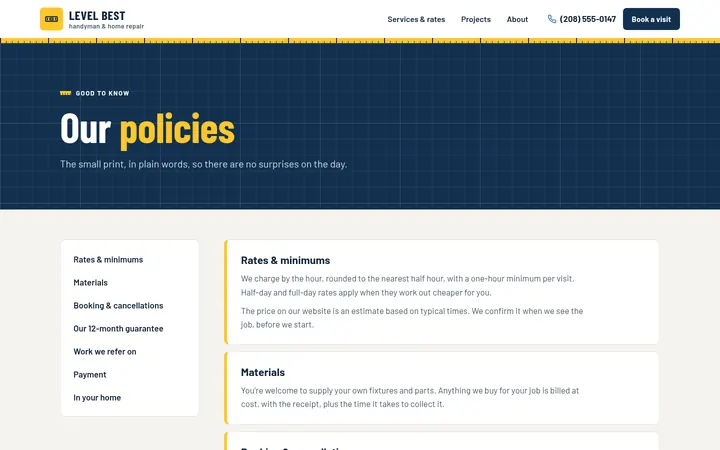
Rates and minimums, materials, cancellations, your guarantee and payment, on one page.
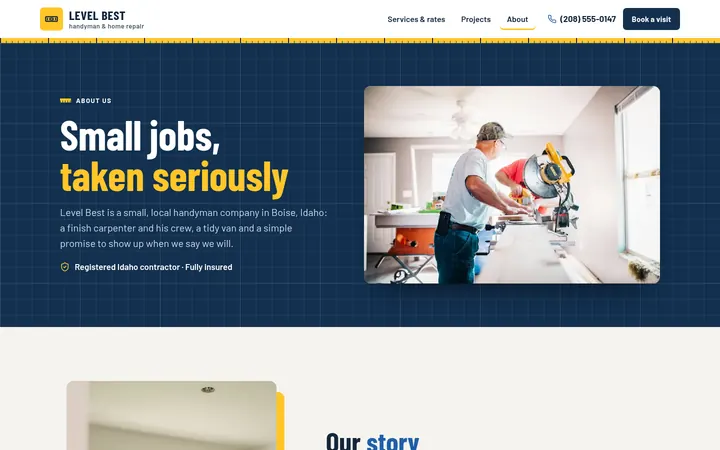
7 pages, ready for your words
Make it yours in the builder
No code and no design skills. Simple steps, and your site changes in the preview as you go.
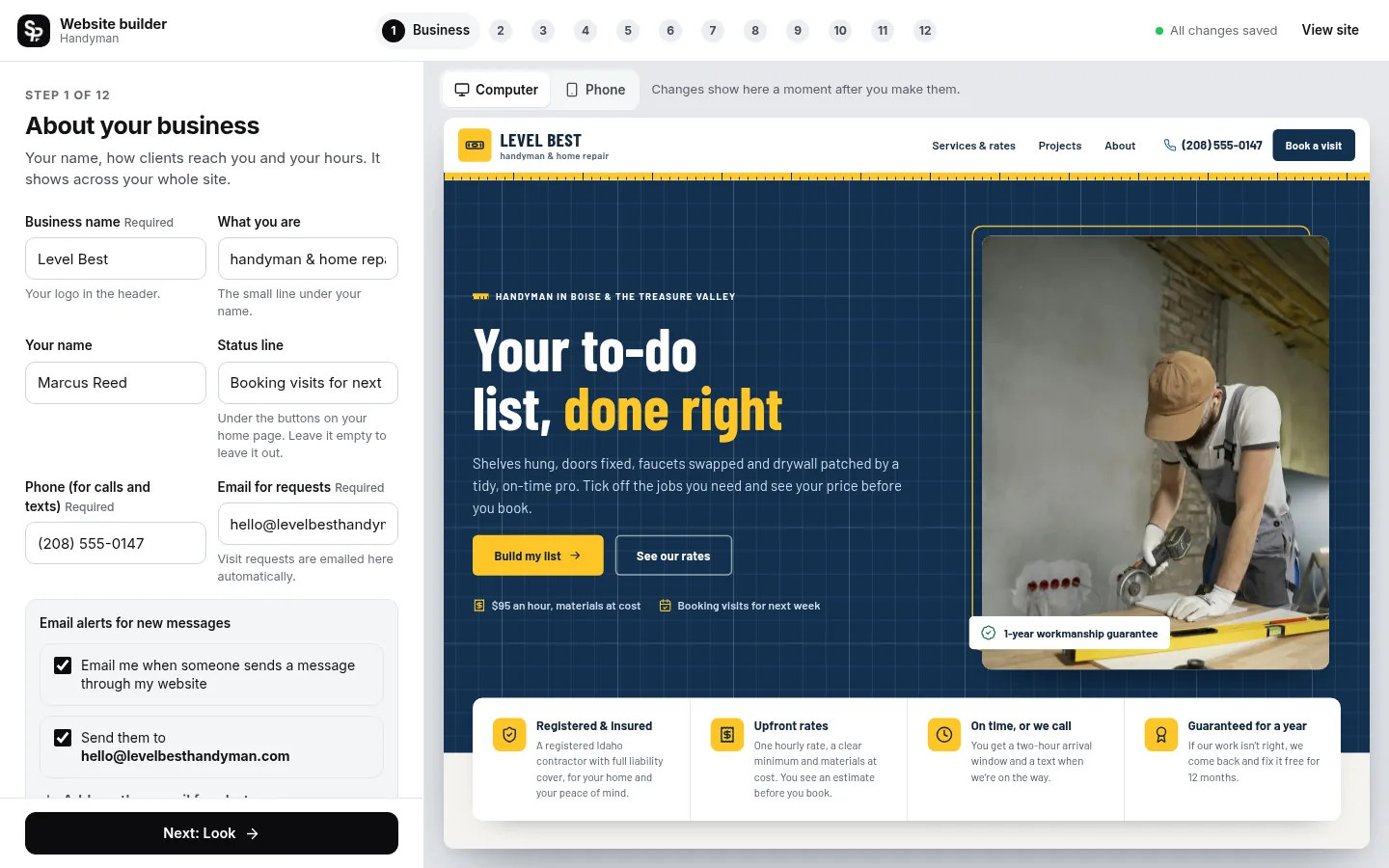
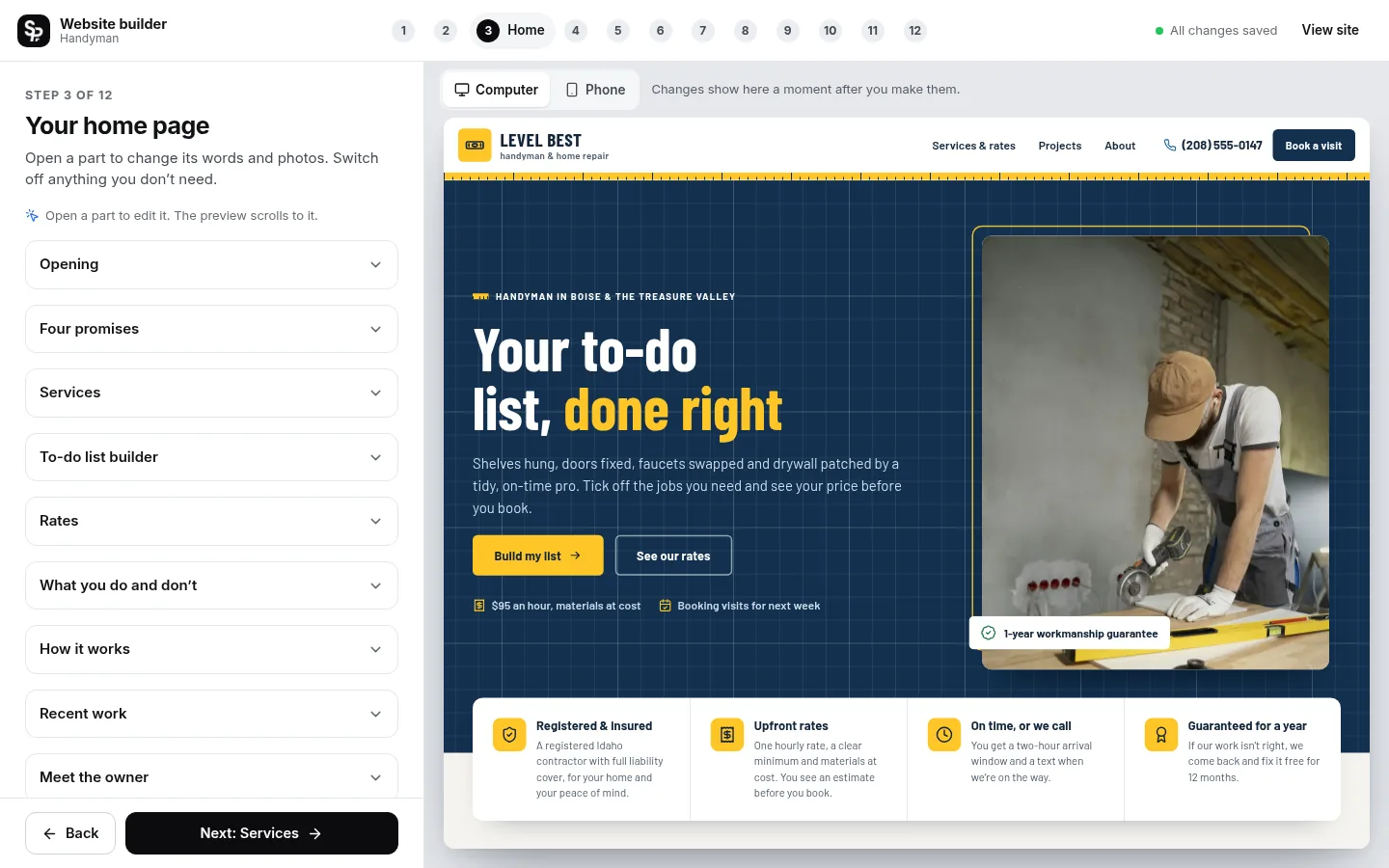
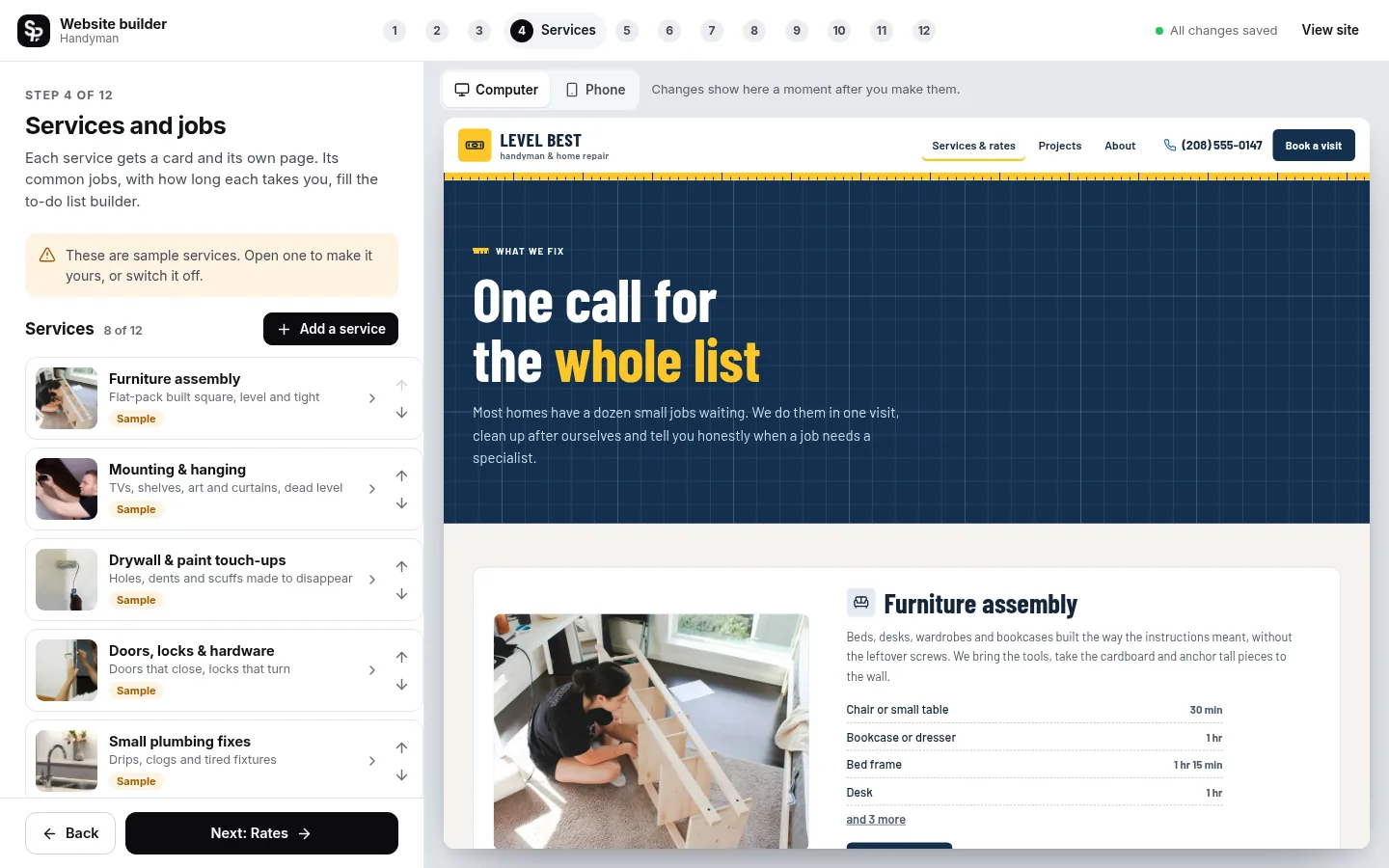
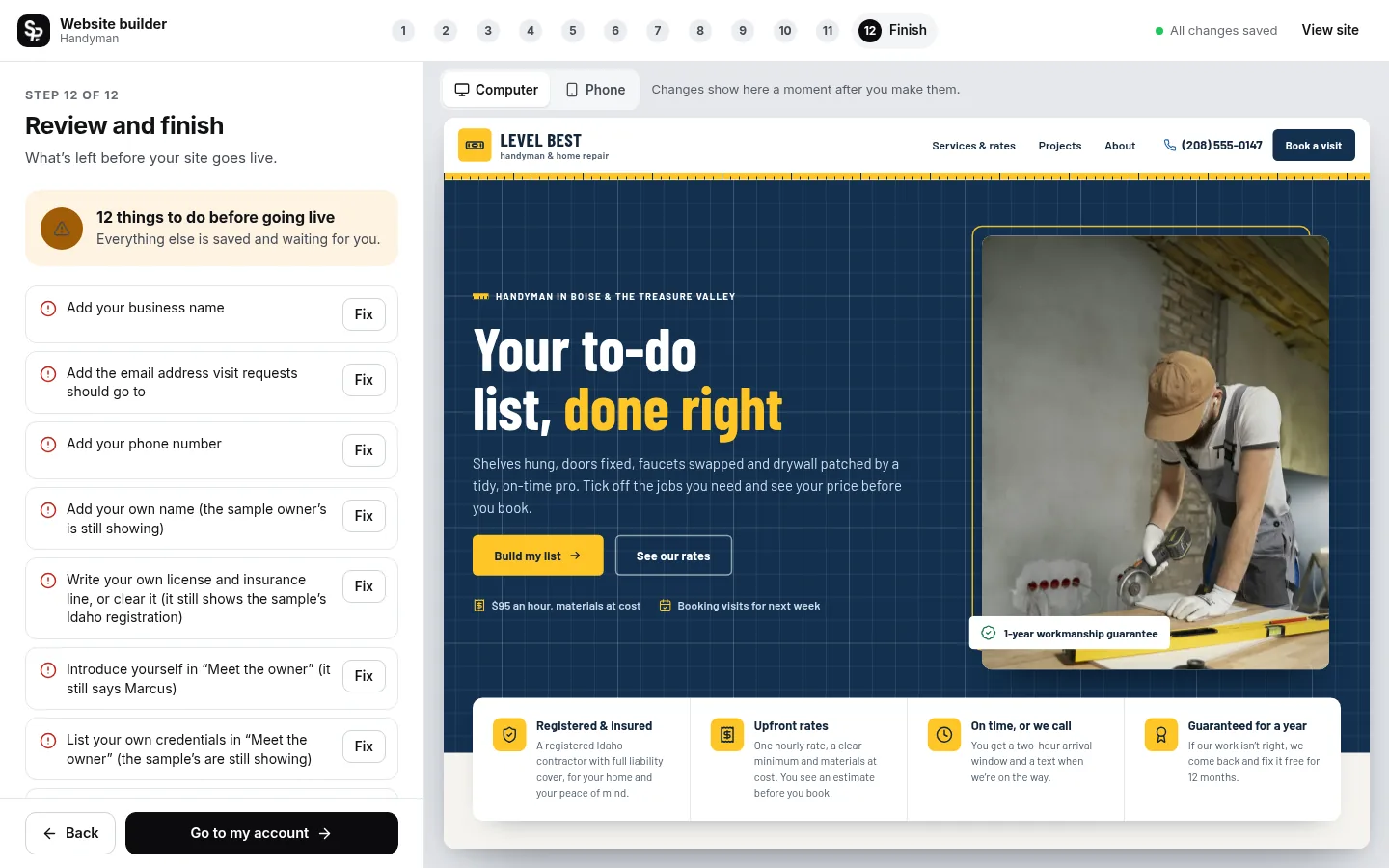
- Saves as you go: Every change is saved for you.
- See it as you go: Watch your site change as you type, on a computer or phone screen.
- No fake content goes live: Sample words and photos are marked until you replace them.
- Change it any time: Edit and publish again whenever you like.
One simple price
Hosting, security and updates included.
This template is coming soon. You can explore the whole demo now.
Included with every plan
- Hosting on fast, secure servers
- SSL, the padlock in the address bar
- Your own domain: buy one or connect yours
- Inquiries emailed to you and saved in your account
- Made for phones, tablets and computers
- Search basics: page titles, descriptions and a sitemap
- Accessible design, tested against WCAG 2.2 AA
- Google review buttons from one link
- No plugins or updates to manage
- Cancel any time
Buy it and realize you need a custom option? Reach out! We can add custom pages, features or a design made just for you.
Good questions
Something else? Ask us anything.
Can clients see a price before they call me?
Yes. They tick the jobs they need and the site adds up your usual times, rounds up to the half hour and prices the visit from your own hourly, half-day and full-day rates. Lists longer than a day, and services you only quote, ask for a free quote instead.
What if I don’t want to show prices?
Set your hourly rate to 0. Clients still build their list and see how long the visit should take, and you send the price yourself.
Does it work with my booking app?
Yes. Paste the booking link you already use, such as Jobber, Housecall Pro or Calendly, and a “Book online” card appears on your Book page. Without one, clients send their list with their address and the times that suit them.
Do I need to know how to design or code?
No. You fill in the builder step by step and watch your site change as you go. Every word, photo and color can be changed, and nothing needs code.
How much does it cost?
$20 a month, or $200 a year (two months free). That includes hosting, SSL, updates and your inquiry inbox. A new domain is extra if you buy one through us.
Do I pay before I start building?
Yes. You choose your plan first, and the builder opens right after checkout. Your site only goes live when you publish it, and you can cancel any time.
Can I use a domain I already own?
Yes. Connect it from your account by adding two records where your domain is registered; we check them and turn on SSL for you. Or buy a new domain right from your account.